Production Studio
Built because bad data shouldn't reach review in the first place.
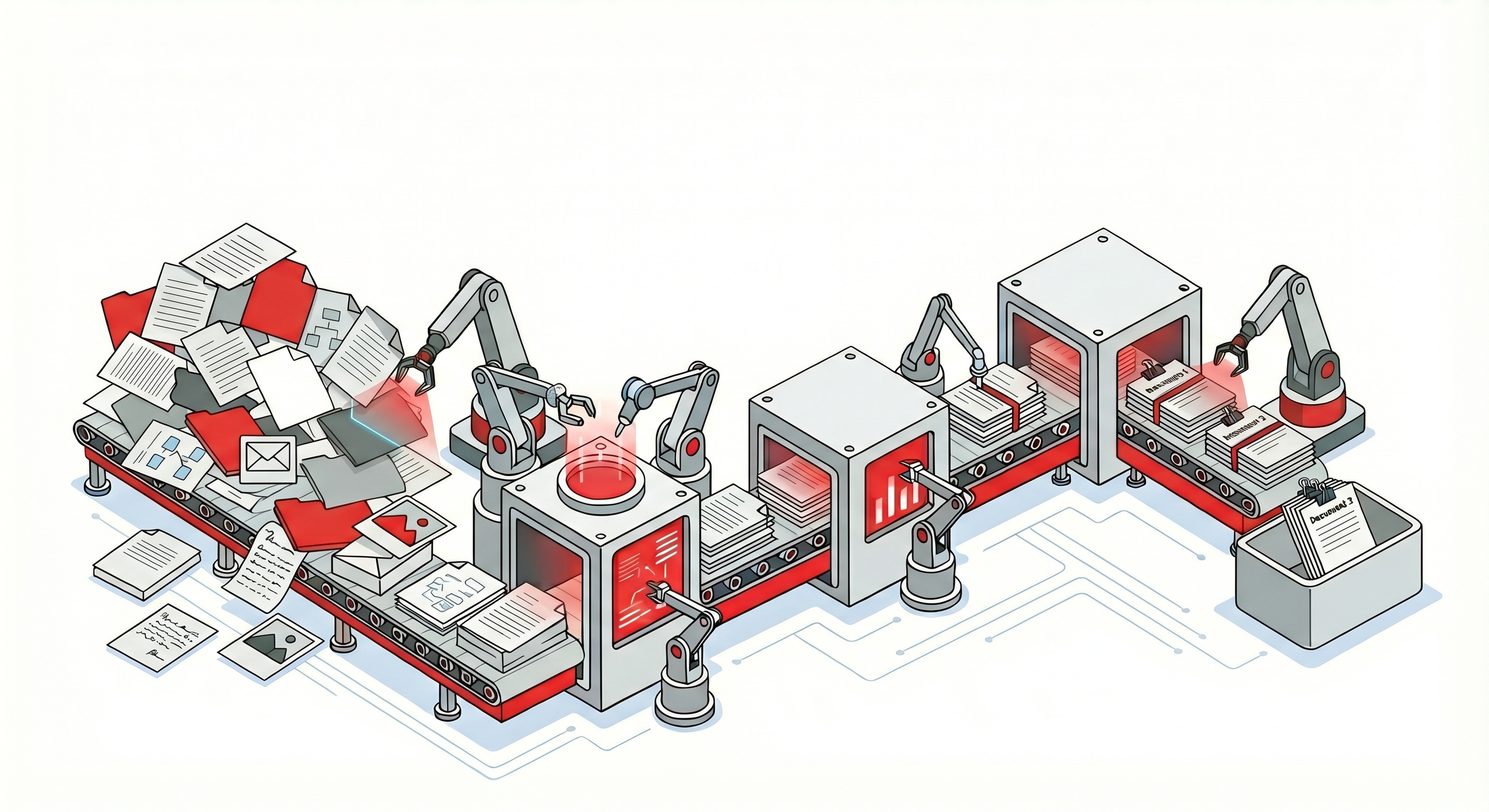
Production Studio is a Windows desktop application for prepping document productions before they reach a review platform. Split a long PDF into the individual documents it really is, run OCR in over a hundred languages, capture Bates numbers from already-stamped pages, and export to OPT, DAT, PDF, LFP, or OCR-text load files — for any review tool you use.
What it does
Import and project setup
- Open or create a project. Each project holds its documents, OCR text, tags, and outputs in one container. Many projects can live in the same database.
- Link an OPT load file. Pull an existing production into a project without copying its image files. The OPT is parsed, Bates ranges recognized, and a document is created for each.
- Link an image folder. Bring in a folder of TIFFs, JPEGs, or PNGs without copying. Each subfolder becomes a document.
- Import PDFs. Bring in a single PDF or a folder of PDFs at 300 DPI. Originals are stored alongside images for round-trip back to PDF later.
- Import images. Bring in TIFF, TIF, JPEG, JPG, PNG, BMP, and GIF files. Multi-page TIFFs supported.
Processing
- OCR. Tesseract-powered OCR in over a hundred languages, including non-Latin scripts. Auto-rotate handles batches with mixed page orientations.
- Bates Capture. When a production was stamped but no load file came with it, draw a rectangle on a representative page where the Bates appears. Production Studio runs OCR on that zone across every document and writes the begin and end Bates into each record.
- Extract PDF pages. Pull a page range out of a long PDF into its own document — 1-50 or 1-50, 75, 90-100. Original is left alone.
- Delete pages or documents. Remove duplicates, blank pages, or material loaded by mistake. Logged for audit.
- Generate thumbnails. Rebuild thumbnails when a document has been replaced or thumbnails are stale.
Tagging and text
- Tagging. Manual tags (e.g., Privileged, Hot, Responsive, Needs Review) for filtering and exporting subsets. Case-insensitive, normalized to title case.
- Text similarity. Compares OCR text across selected documents and groups near-duplicates with a 0–100 similarity score. Useful when an email thread or contract appears in multiple slightly-different versions.
- Text tools. Regex search across OCR text, copy full text to clipboard or file, word-frequency reports.
Export
OPT, DAT, PDF, LFP, and OCR-text exports for any review platform — Concordance, Relativity, RelativityOne, Reveal, CS Disco, Summation, IPRO, and others. Multi-format export in one run; load files at the root of the destination folder, images and PDFs in subfolders alongside.
Standard and Pro
Production Studio is licensed in two tiers.
Standard covers everything most paralegals need on a typical matter: project setup, import, OCR, Bates Capture, page extraction, deletion, thumbnails, tagging, and export to OPT and DAT.
Pro adds the heavier-lift features: Batch Tools (unattended folder-to-folder converters for PDF→images, image normalization, and PDF→searchable PDF), an expanded export set (PDF, LFP, OCR text), automatic classification of document types based on examples you provide, and an automatic document-splitter that finds the natural boundaries inside a long PDF.
Tier is shown in the status bar at the bottom of the main window. Pro features appear in the ribbon on a Standard license but are greyed out; upgrading is a back-end change with no reinstall.
Purchase