EDD Toolbar
Built because Excel is where the work actually happens.
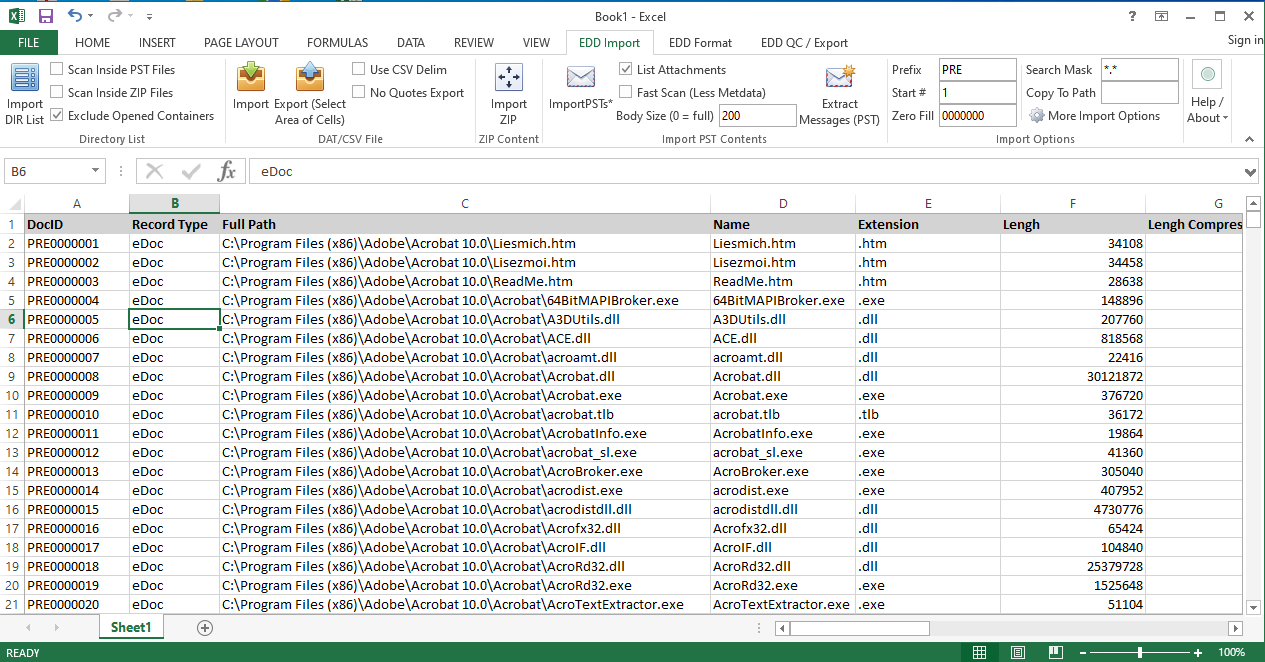
EDD-Toolbar is an Excel add-in that brings eDiscovery work into the ribbon. Generate directory listings, do Bates math without writing a single formula, run gap checks on production deliveries, preview PSTs and ZIPs without unzipping them, export Concordance-compatible DAT files, and format spreadsheets for print and delivery — all from inside the workbook your team is already using.
What it does
File and directory management
- File List. Generate a directory listing from any folder path directly into the workbook.
- Extract File Name and Extension. Split a full file path into separate name and extension columns for filtering, pivot charts, and document-type tallies.
- File Found. Check whether files listed in a spreadsheet (an OPT or native-path list) still exist on disk. TRUE/FALSE per row — a fast way to QC native paths or spot missing images before loading a production.
- File Size. Calculate exact byte sizes plus a human-readable size column.
- Convert Path to Hyperlink. Turn plain-text file paths into clickable Excel hyperlinks so you can open natives or TIFFs without leaving the workbook.
Bates numbering
- Split Bates Number. Break a single Bates number into prefix, number, suffix, and zero-fill-count columns for bulk edits.
- Join Bates Number. Reassemble the constituent parts back into a properly formatted Bates string.
- Generate End Doc. Calculate the ending Bates number for each document based on the sequential progression of the list.
- Page Count. Calculate per-document page counts from begin/end Bates ranges.
- Gap Check. Scan a sequence of Bates numbers to identify and flag missing numbers or sequential gaps in a production.
QC and export
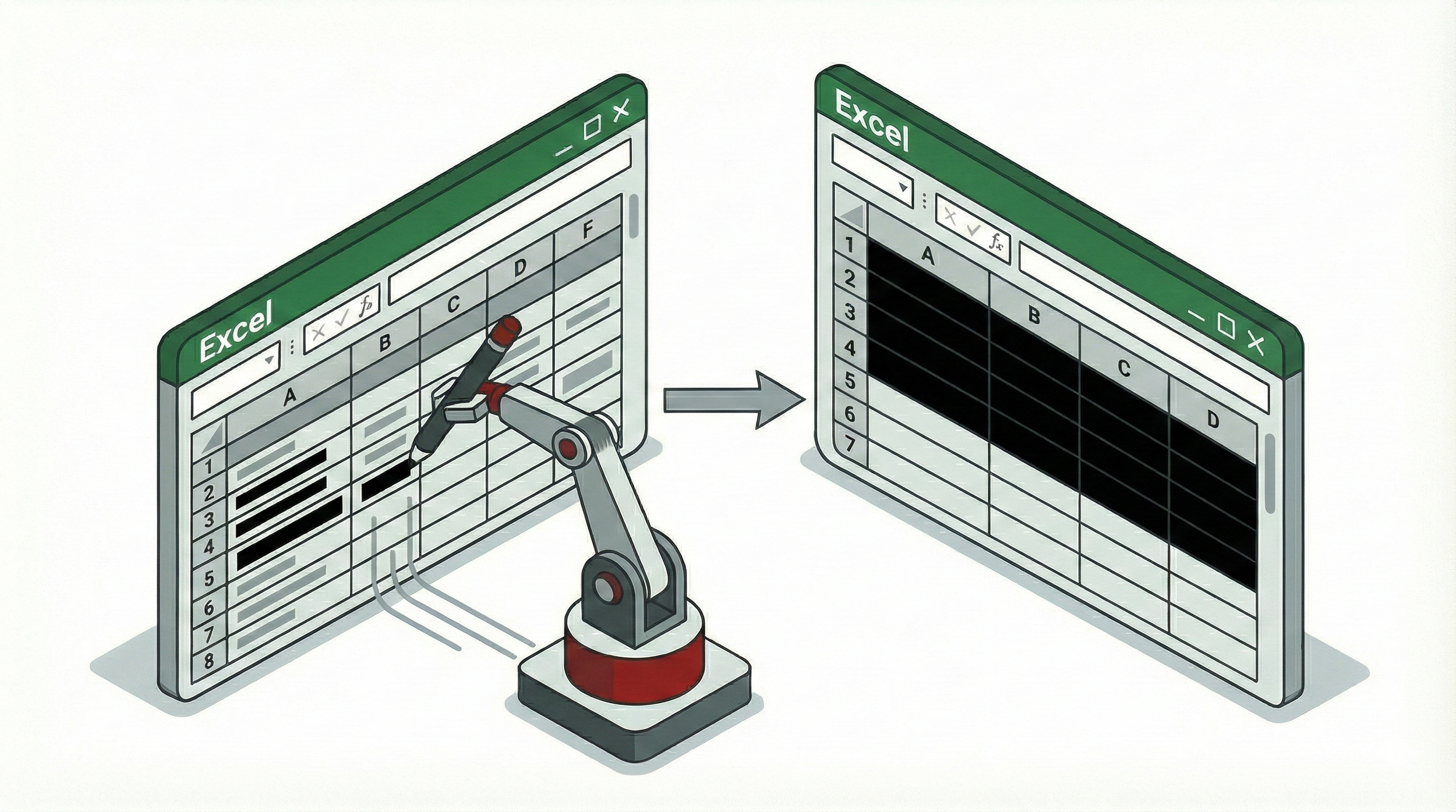
- Find Empty Columns. Highlight completely blank columns in a dataset, with a red outline showing the scanned boundary.
- Delete Empty Columns. Remove the highlighted blank columns to shrink bloated DAT files instantly.
- Save to DAT. Export a selected region as a Concordance-compatible DAT file using standard delimiters — no risk of stray commas wrecking the load file the way they would with CSV.
Data import and pre-processing
- Import ZIP. List a ZIP's contents directly into Excel without extracting the payload — file names, dates, sizes, and extensions, for an analytical preview of incoming deliveries.
- Import PST. Read PST contents without a full processing engine. Extracts From, To, CC, Date, Subject, internal PST path, and a customizable email body preview, with attachments listed inline or extracted to separate rows.
Excel formatting and print prep
- AutoFormat. One-click formatting templates for cleaning up raw imports or producing print-ready spreadsheets. Sixteen built-in styles applied across an entire dataset, with an Options toggle so you can cherry-pick which attributes to apply.
Purchase